 measure
AI Search Visibility for Agencies: How to Track & Report It for Clients (2026)
AI search is the fastest-growing question your clients are asking. Here is how to make tracking and reporting it a repeatable agency service.
- Clients now expect their agency to answer one question: when a buyer asks an AI engine for a recommendation, does the client get named?
- The repeatable version of this service runs a consistent prompt set per client across ChatGPT, Perplexity, Gemini, Claude and Google AI Overviews, then reports the same three numbers every month.
- Report visibility percentage, share of voice against named competitors, and the trend over time; skip the vanity metrics.
- Deliver it white-label or push the data into your own reporting through CSV, an API or webhooks, and price it as a fixed retainer line item rather than one-off audits.
Every client is now asking the same question
The brief has changed. A year ago a client wanted to know where they ranked on Google. Now the first question in a kickoff call is whether ChatGPT, Perplexity or Gemini recommends them when a buyer asks for the best option in their category. That question is not niche curiosity. More buyers now run at least part of their research inside an AI assistant (see our roundup of AI search statistics for the sourced figures), and when the assistant names a short list of brands, the client either makes the list or is absent for that buyer.
For an agency this is both a threat and an opening. The threat is that your rank-tracking dashboards no longer answer the question the client is actually asking, so the relationship starts to feel dated. The opening is that almost nobody has built a clean, repeatable way to measure and report it yet, which means the agency that does gets to own a new line of the retainer before the category commoditizes. Treat AI search visibility the way you once treated rank tracking: a standard, recurring deliverable that every client gets, not a special project you scramble to assemble each quarter.
Build one workflow that scales across every client
The difference between a service and a scramble is standardization. Managing ten or fifty brands by hand does not work, so the operational core is a tool that isolates each client in its own workspace and lets you apply the same method to all of them. Look for genuine multi-workspace or multi-brand support, per-client billing you can pass through or absorb, and access controls so an account lead sees only their brands.
Standardize the prompt set per client
The unit of work is the prompt set: the real questions a client's buyers ask an AI engine. Build one per client and keep it stable, because a consistent set is what makes month-to-month numbers comparable. A workable template is three buckets:
- Category questions the client wants to be named in, such as "best CRM for small agencies" or "top project management tool for construction."
- Brand questions that name the client directly, to check how engines describe them and whether the description is accurate.
- Competitor and comparison questions, including "X versus Y" and "alternatives to X," where being present or absent moves deals.
Because AI answers vary between runs, a single phrasing under-samples. Run several phrasings of each question and let the tool aggregate, so a change in a client's score reflects a real shift rather than run-to-run noise. Once the set exists, the recurring work is small: a prompt tracking tool runs the questions on a schedule, records whether the client is named and where, and notes which sources each answer cites. Engines are not all sampled equally often, and cheaper engines can be run more frequently than expensive ones, so write the real cadence per engine into the statement of work. A client who was promised "daily" and sees weekly data points will assume something broke.
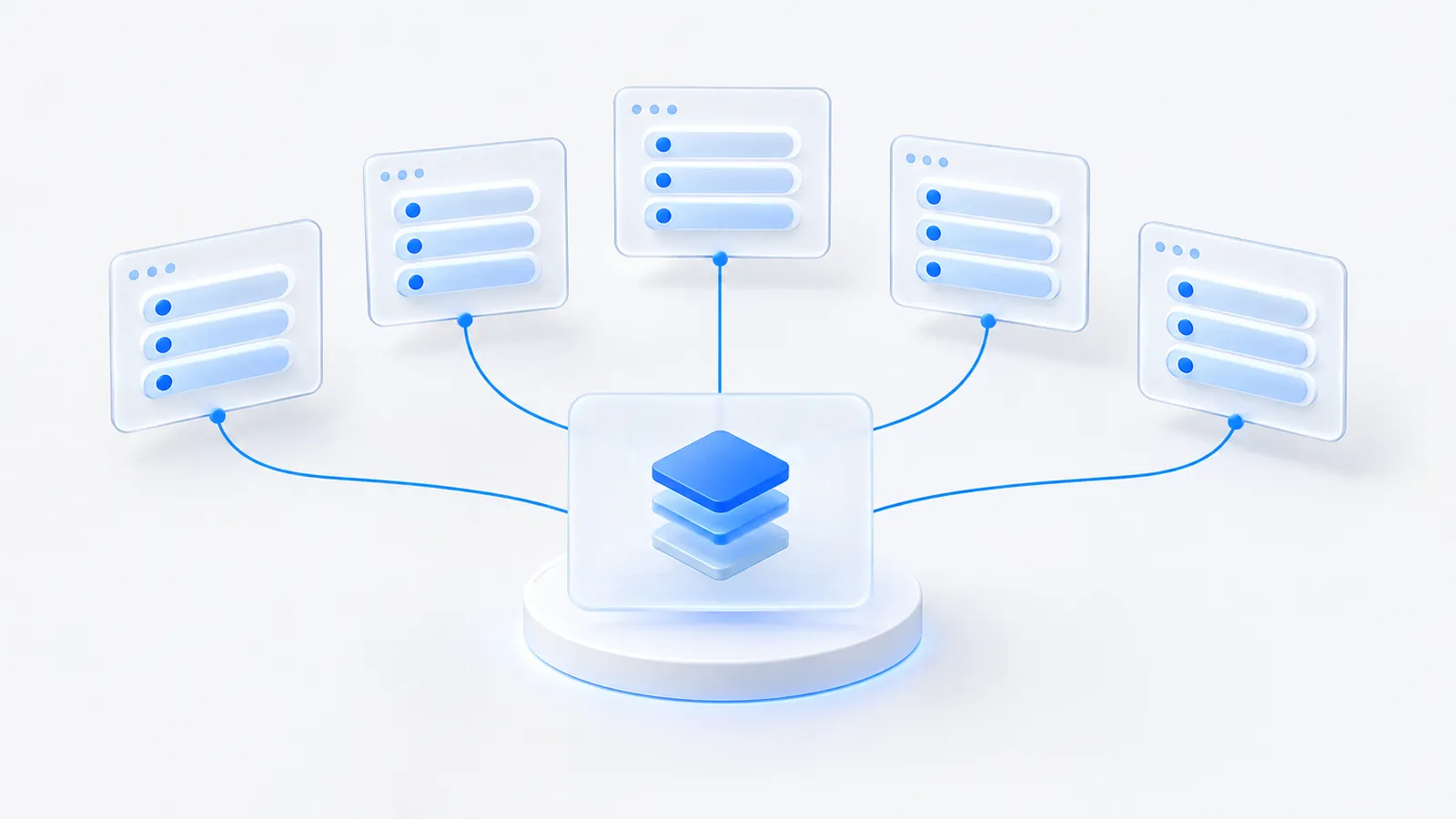
Reuse a house prompt template across clients in the same vertical, then swap in the client's brand and competitor names. You get faster onboarding and cross-client benchmarks, since the category questions are shared even when the brands differ.
Worked example: onboarding one client in week one
Here is what the first week looks like for a hypothetical client, a regional commercial cleaning company with two named competitors. The names and figures are illustrative, but the steps are the ones that make the service repeatable.
The week-one checklist
- Day 1: collect buyer language. Pull ten to fifteen real questions from sales call notes, support tickets and the client's Search Console queries. Real phrasing beats brainstormed phrasing.
- Day 2: write the three buckets. For this client that might be: category ("best commercial cleaning company for offices in Leeds", "how to choose an office cleaning contractor"), brand ("is [client] reliable", "what does [client] charge") and competitor ("[client] vs [competitor A]", "alternatives to [competitor B]").
- Day 3: add phrasings and lock the set. Two or three variants per question, then freeze it. Changing the set later breaks month-over-month comparisons, so log any change with a date.
- Day 4: run the baseline. Scan every engine you will report on and save the results as month zero. This is the number every future report is compared against.
- Day 5: read the losses. For each question the client is missing from, note who was named and which sources were cited. That list becomes the first month's work plan.
Reading the baseline
Suppose the baseline shows the client named in roughly one answer in five on category questions, while competitor A appears in most of them, and the cited sources keep returning to two local business directories and a trade association listing the client is not on. That is a clear first month: get listed accurately in those sources, fix the brand description engines repeat, and re-measure. The report to the client then writes itself: here is the gap, here is the cause we found, here is what we changed, here is the next reading.
Report three numbers, not thirty
The temptation is to hand clients a firehose. Resist it. A report that a busy founder can read in two minutes and repeat to their board is worth more than a forty-tab export nobody opens. Three metrics carry the story.
- Visibility percentage. Across the tracked prompt set, how often the client is named in the answer. This is the headline number and the one clients will quote back to you.
- Share of voice against named competitors. Visibility in isolation means little; visibility relative to the two or three rivals the client cares about is what lands. If a competitor is named in most answers and the client in a handful, that gap is the argument for the work. See AI share of voice for how to define it cleanly.
- Trend over time. A single snapshot is a diagnosis; a line moving up is proof the retainer is working. Show month-over-month movement per engine and flag the questions where the client gained or lost ground, so the next month's content plan writes itself.
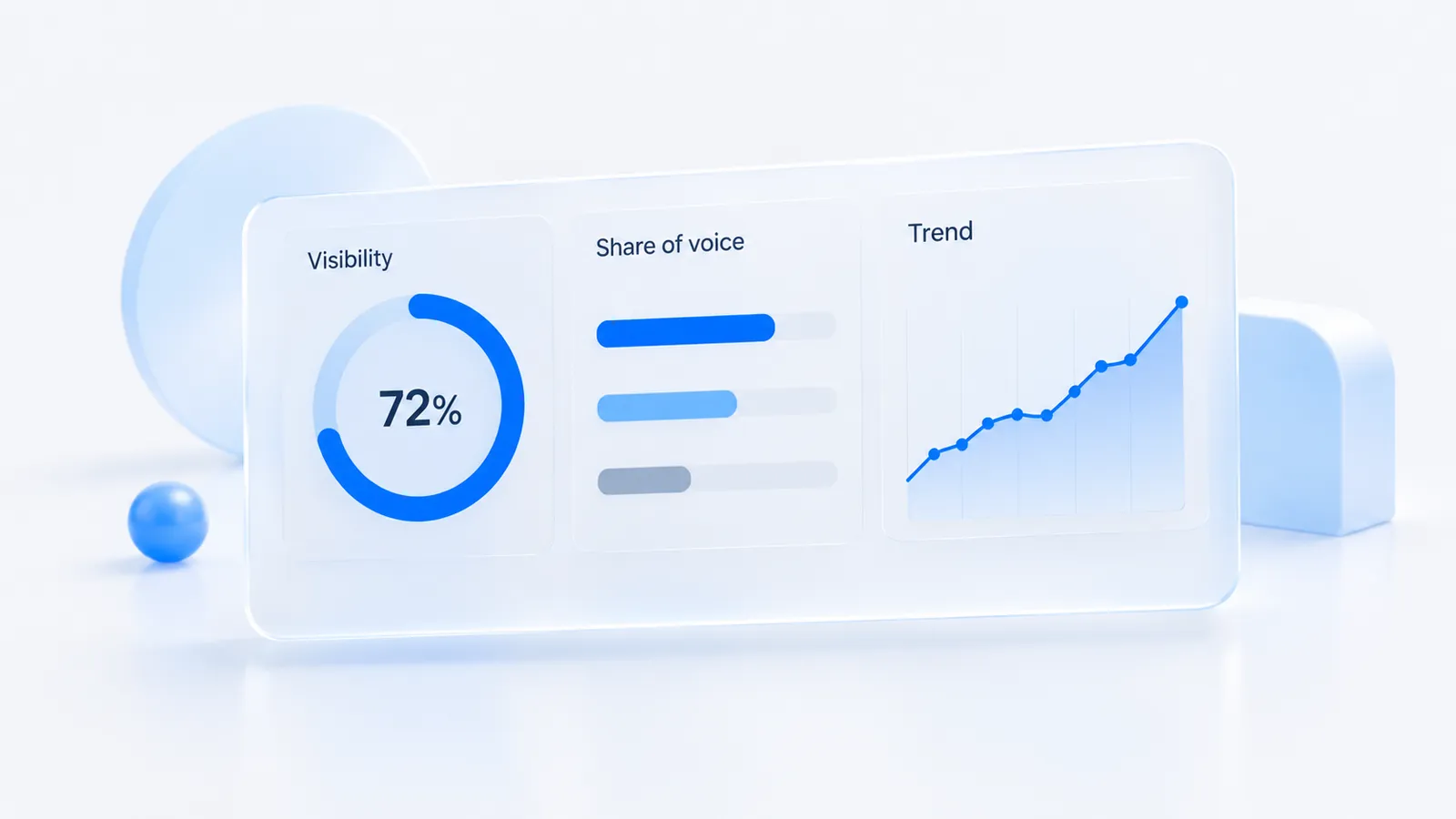
Underneath those three, keep a supporting layer the client can drill into when they want to: which sources the engines cite for the questions the client loses (the citation sources view), and which competitors keep appearing instead. That is where the recommendations come from. The reporting answers "how are we doing"; the source and competitor detail answers "what do we do next," which is what justifies the retainer month after month. For turning any of this into a revenue story the client's finance team accepts, walk them through how to measure AI search ROI.
A dashboard proves you are watching. A trend line with a named-competitor gap is what shows the client why the work is worth continuing.
White-label it or pipe it into your own reporting
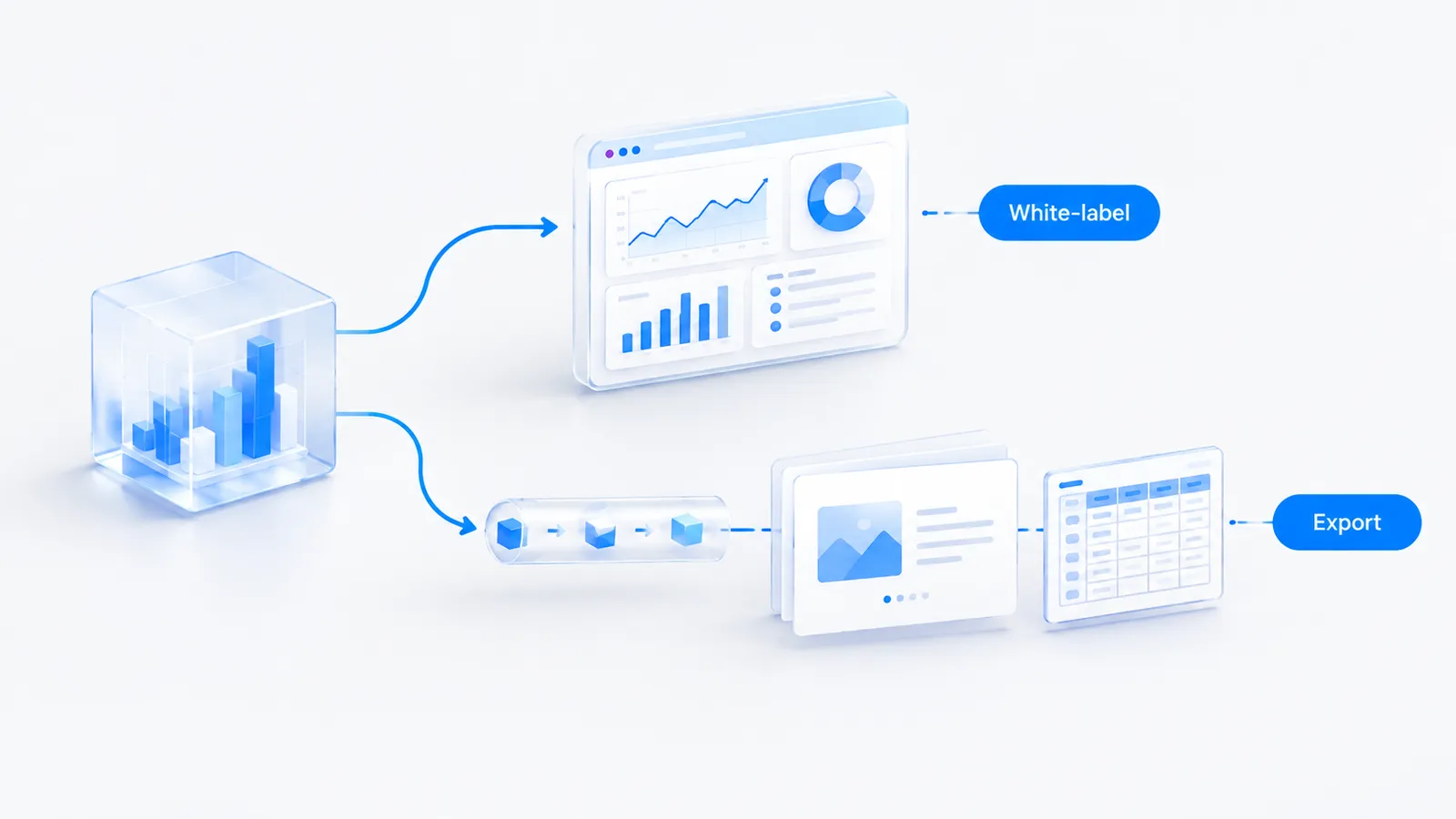
Clients should see the client's brand and yours, not a third-party vendor they could go buy directly. There are two ways to get there, and the right one depends on how your agency already reports.
- Native white-label. Some tools let you put your logo, colors and domain on the dashboard and the exported report, so the client experiences it as your product. This is the least-effort route if a tool offers it and it fits your brand.
- Export into your own stack. If you already deliver through Looker Studio, a Notion portal or a monthly slide deck, you do not need the tool's front end at all. Pull the numbers out through CSV, an API or webhooks and drop them into the reporting clients already recognize.
Choosing a route
- Choose white-label if most clients log into dashboards themselves, you have few analysts, and AI visibility is a standalone deliverable.
- Choose export if you already send one combined monthly report (SEO, paid, analytics) and want AI visibility as a page inside it, or if clients compare it with GA4 data you already present.
- Use both for larger accounts: export for the board-level summary, a branded workspace for the client's in-house marketer who wants to drill into individual answers.
Measure supports the export route directly: signed outbound webhooks fire on each completed scan so you can push fresh visibility and share-of-voice figures into your own reporting or an automation in n8n or Make, and there is an API and MCP endpoint for pulling data on demand. If you would rather not build anything, the workspace itself is the deliverable. Either way, the principle holds: the client sees a clean, branded report on a predictable schedule, and the plumbing behind it stays invisible.
Package it as a retainer line item
The mistake is selling AI visibility as a one-off audit. Audits are low-margin, they reset to zero every time, and they train the client to think of this as a project rather than an ongoing discipline. The value is in the trend, and the trend only exists if you measure continuously, so price it continuously.
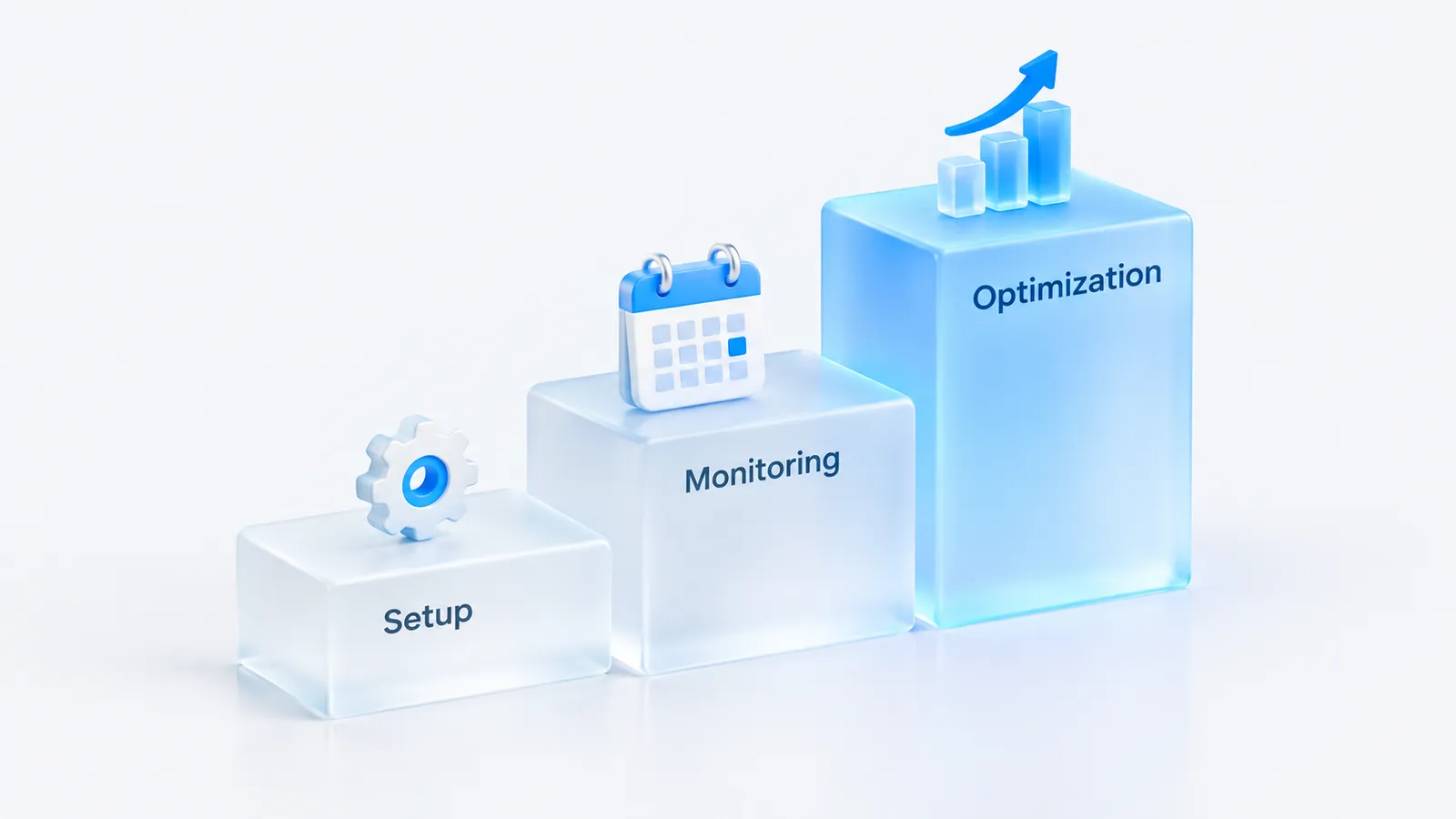
A simple three-part productized offer works for most agencies:
- Setup, once. A fixed onboarding fee to research the client's buyers, build the prompt set, identify the competitor set and stand up the workspace. This front-loads the labor and filters out clients who are not serious.
- Monitoring and reporting, monthly. A recurring line item that covers the tracking cost plus your margin and the branded monthly report. This is the annuity, and it should be priced so the tool cost is a fraction of what the client pays.
- Optimization, monthly or on retainer. The content, digital PR and source work that actually moves the numbers. This is usually where most of the budget sits, and the report is what earns you the mandate to do it.
Because per-brand tooling costs multiply across a client roster, check the pricing model before you commit. Measure (our product, so weigh this accordingly) is self-serve with public monthly plans and no annual contract, so an agency can prove the workflow on one brand on the entry plan, then scale to a workspace per client without a custom contract. Whatever tool you pick, a known per-client cost is what lets you set a confident retainer price. Some enterprise-focused tools in the category are sales-led with custom pricing, which can suit large in-house teams better than an agency building a margin per client. Our comparison pages lay out the differences.
Anchor the monthly fee to the outcome, not the tool. "We make sure AI engines recommend you, and we prove the trend every month" is a board-level line item. "We pay for a tracking subscription" is a cost the client will try to cut. Sell the first framing.
Where to start
Pick one client who already asks about ChatGPT, build their prompt set, and run it for a month so you have a real report and a real trend to show. Use that as the template for the offer, then roll it out across the roster one workspace at a time. You can pressure-test the idea for free first with the AI visibility checker, or read the wider field in our roundup of the best AI search visibility tools before you standardize on one. If clients also ask how this connects to revenue, the AI traffic attribution view is the bridge between the visibility report and the analytics they already trust.
Frequently asked questions
How do agencies track AI visibility for multiple clients?
With a tool that supports multiple workspaces or brands under one login, each with its own tracked prompts, competitors and reports. The agency runs a consistent prompt set per client, tracks it over time, and exports or white-labels the results into client reporting.
Can I white-label AI visibility reports?
Depending on the tool, yes, either through native white-label exports or by pulling the data into your own reporting via CSV, API or webhooks. The reportable metrics clients care about are visibility percentage, share of voice versus named competitors, and trend over time.
We build Measure, a self-serve platform that tracks how AI engines describe and recommend brands, and connects that visibility to real traffic and revenue. Everything here is written from what we see in the data every day.